Fix "Audio Not Available" on Instagram Reels
By the SaveInstAudio team · Published · 6 min read
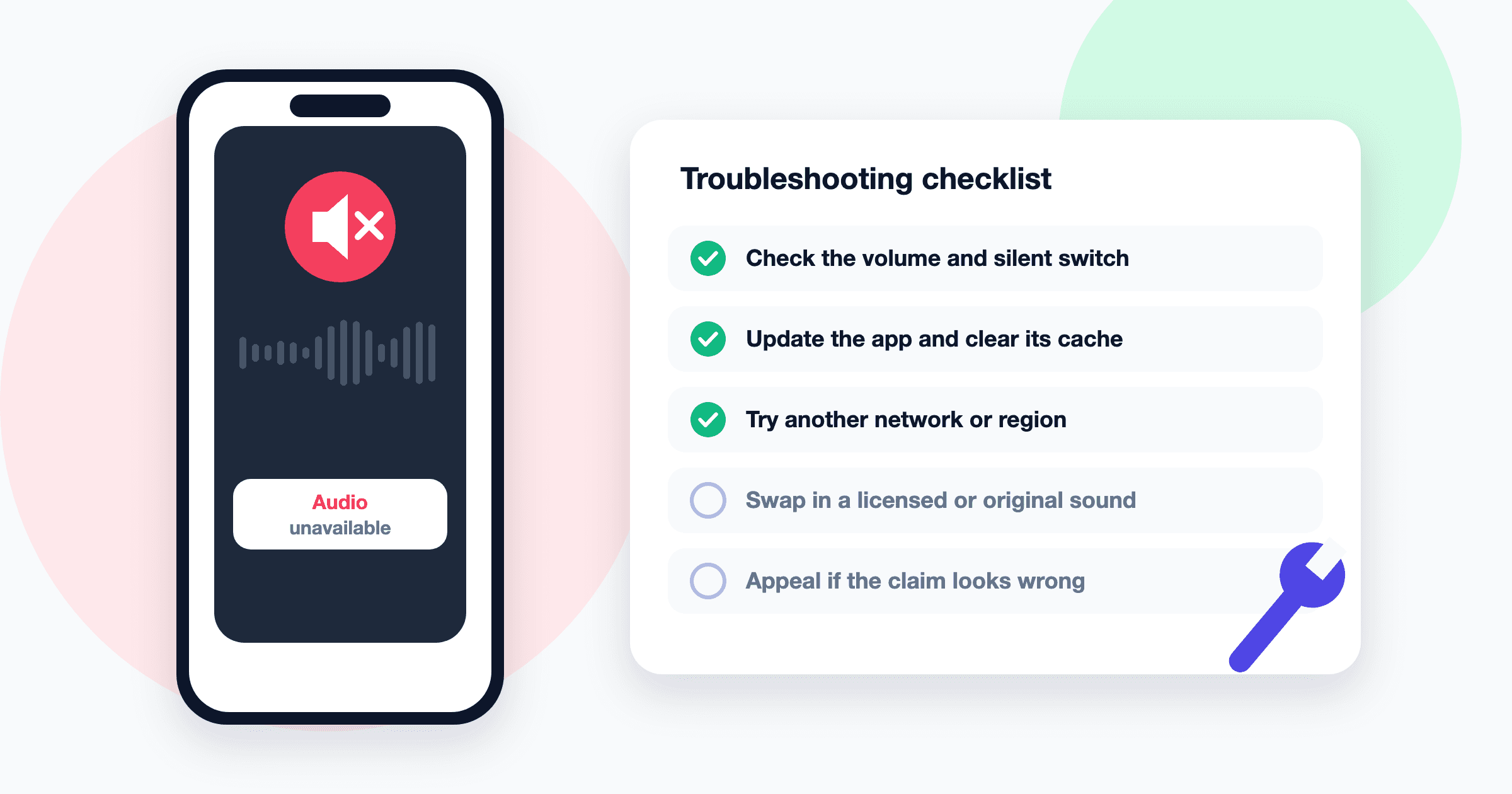
You open a Reel and it plays in total silence, or a small message says the audio isn’t available. Sometimes it’s only one video. Sometimes it’s your own post, and the views have stalled because nobody can hear it. The message looks the same in both cases, but the cause and the fix are often very different.
Why Reels Lose Their Audio
Instagram doesn’t always tell you exactly why a track is unavailable, so it helps to know the usual suspects.
Copyright and licensing
Most music on Instagram is licensed from labels and publishers. If a song in a Reel doesn’t match what the license covers, or if automated matching detects copyrighted music that was added outside the app, Instagram may mute the audio or limit where the Reel can be shown. This is the single most common cause.
Regional restrictions
Music licenses are often negotiated country by country. A song that plays fine for a creator in one country can be unavailable to a viewer somewhere else. In that case the Reel is not broken; the audio simply isn’t licensed where you are.
Rights holder removed the track
Labels and artists can pull songs from the library. When that happens, older Reels that used the track may go silent, even if they played normally for months.
Business account library limits
Business and brand accounts generally get access to a more limited library of commercially cleared music rather than the full catalog. If a business account adds a popular song through a workaround, such as editing it into the video elsewhere, the audio may later be muted.
App bugs, cache, and outdated versions
Not every silent Reel is a rights issue. Corrupted cache, an old version of the app, or a temporary bug can cause audio to fail on your device only. If every Reel is silent, suspect your phone or app before anything else.
Network problems
A weak or unstable connection can load the video before the audio stream, or fail to load the audio at all. This usually looks like a Reel that stutters, then plays with no sound or with sound that cuts in late.
Quick Checks Before You Troubleshoot
Rule out the simple stuff first. It solves a surprising number of cases.
- Check that your phone isn’t on silent mode or at zero volume. On some phones, the ring or silent switch affects in-app audio.
- Tap the Reel once. Instagram sometimes starts videos muted, and a tap toggles sound on.
- Disconnect Bluetooth headphones or speakers you forgot were paired.
- Try a different Reel. If others have sound, the problem is with that specific post.
Fixes for Viewers
If only one Reel is silent and it shows an audio unavailable message, there usually isn’t anything you can fix on your end. The audio has been muted or isn’t licensed in your region. If all Reels are affected, work through these steps in order.
- Close and reopen the app. Fully close it from your app switcher, not just by going home.
- Update Instagram. Open your phone’s app store and install any pending update. Old versions are a common source of playback bugs.
- Clear the cache. On Android, you can usually clear Instagram’s cache from the app’s storage settings. On iPhone there’s no separate cache button, so offloading or reinstalling the app has a similar effect.
- Switch networks. Move from mobile data to Wi-Fi or the other way around. If you use a VPN, turn it off briefly, since it can also make your region look different to Instagram.
- Restart your phone. It clears audio glitches an app restart won’t.
- Try another device or the web. If the Reel plays with sound elsewhere, the problem is local to your phone.
Fixes for Creators
When the silent Reel is yours, you have more options. Start by checking your notifications and any account status or support area in the app for a notice about the post. Instagram often explains when audio has been muted for copyright reasons.
Replace the audio
Depending on your account and the post, Instagram may let you swap the track or remove the muted audio without deleting the Reel. Open the post, look under the three-dot menu for an option related to audio or editing, and follow the prompts. If you don’t see one, the option may not be available for that post or account.
Use original audio
The most reliable way to keep a Reel from being muted is to use sound you own: your voice, ambient sound, or music you made or licensed for this purpose. If you rely on a trending format, recording a voiceover over it instead of using the song itself avoids most claims.
Add music inside the app
If you want a specific song, add it through Instagram’s own music picker rather than editing it into the video in another app. Music added in the app is tied to Instagram’s license. Music baked into the exported file is not, and that’s a common reason Reels get muted after upload. Our comparison of Instagram audio vs. TikTok sounds explains why cross-posted videos run into this so often.
Repost if needed
If you can’t edit the audio, you can archive the silent Reel and post a new version with cleared audio. You’ll lose the old engagement, but a silent Reel rarely recovers.
Appeal if you believe it’s a mistake
If you own the music, have a license for it, or believe the match was wrong, look for an option to dispute or appeal in the copyright notice. Keep your proof handy, such as a license agreement or project files showing you created the track. Appeals can take time, and there’s no guaranteed outcome, but they are the right route when the claim is genuinely incorrect.
What This Means for Downloading Reel Audio
Tools that save audio from Reels, including SaveInstAudio, can only work with what Instagram actually serves. If a Reel has been muted, the file Instagram delivers has no usable sound track, so there is nothing to extract. A converter can’t bring back audio that has been removed, and it can’t bypass a regional restriction either.
Here’s how it plays out in practice:
| Situation | Can you save the audio? | | --- | --- | | Public Reel that plays with sound for you | Yes, as it plays in the post | | Reel muted for copyright | No, the audio has been removed | | Audio unavailable in your region | Usually not from your location | | Private account | No, only public posts are supported | | Silent only because of a bug on your phone | Often yes, since the problem is on your device, not the post |
If the Reel plays with sound in the app, you can use our Instagram audio downloader to save it as an MP3, keeping the same quality Instagram stored. If it’s silent for everyone, look for the original audio page instead. Tapping the audio name at the bottom of the Reel sometimes leads to other posts using the same track that still have sound. If you plan to reuse what you save, read our copyright basics for reusing Instagram sounds first, since the same licensing rules that mute Reels apply to your own posts too.
When to Stop Troubleshooting
If you’ve updated the app, cleared the cache, switched networks, and other Reels play fine, the problem is almost certainly the post itself, not your phone. For viewers, that means waiting or moving on. For creators, it means replacing the audio, reposting with original sound, or filing an appeal when you have the rights to back it up.