How to Find Trending Instagram Audio for Reels
By the SaveInstAudio team · Published · 6 min read
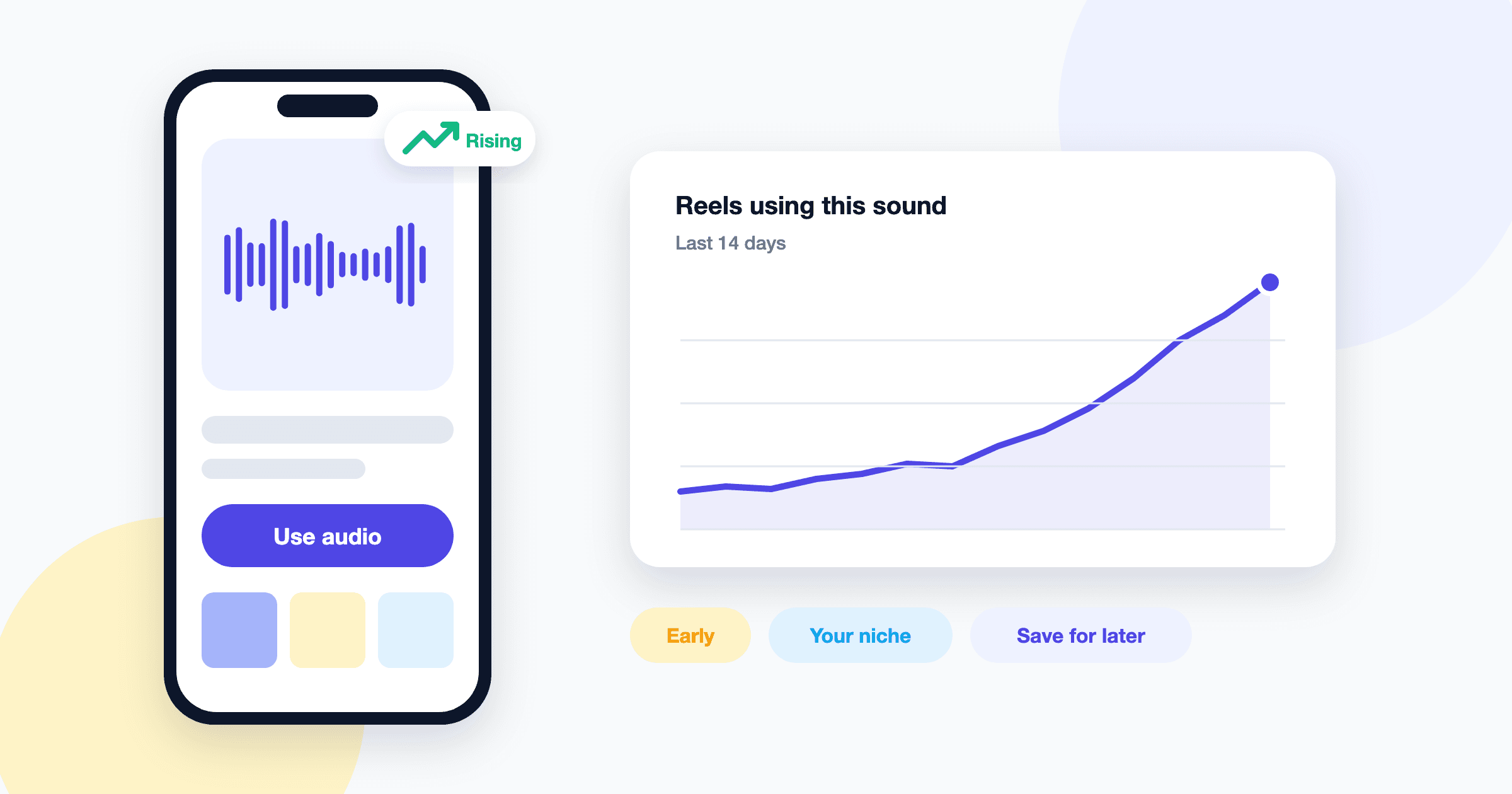
A trending sound can give a Reel a real lift, but only if you catch it while it's still climbing. By the time a track is everywhere, viewers have scrolled past a hundred versions of the same joke. Luckily, Instagram leaves plenty of clues about which audio is gaining momentum.
This guide walks through the signals worth paying attention to, a simple routine for checking them, and a few ways to identify a song when the audio label isn't much help.
Read the signals Instagram already shows you
Instagram doesn't publish a live leaderboard of sounds, but it does surface hints in a few places.
The trending marker on a sound
When you open the audio picker while creating a Reel, or look at the audio label at the bottom of a Reel, some tracks show a small upward-arrow icon or a "trending" style label next to the name. That marker is Instagram's own signal that the sound is being used more over a recent period. It isn't a guarantee of reach, and the exact icon has changed over time, but it's the quickest filter you have. If you're scrolling the audio browser and a track carries that arrow, it's worth a closer look.
Audio pages and the Reel count
Tap the audio name on any Reel and you land on that sound's audio page. At the top, Instagram usually shows how many Reels have used it, and below that you'll see a grid of those Reels.
That number tells you more when you think about it relatively:
- A few hundred to a few thousand Reels with recent uploads in the grid often means a sound is early. This is the sweet spot if the vibe fits your content.
- Hundreds of thousands of Reels means the sound is established. It can still work, but you'll need a fresh angle to stand out.
- A big count with mostly old uploads at the top of the grid can mean the trend has cooled.
If the top Reels in the grid were posted in the last few days by accounts of very different sizes, the sound is probably still moving.
The Reels feed itself
Your Reels tab is a trend feed in disguise. When you hear the same track three or four times in one session from unrelated creators, note it. Repetition across strangers is a strong early sign.
Use Instagram's creator resources, carefully
Depending on your account type and region, the professional dashboard may point you toward creator tips and sometimes trend-related content, and Instagram occasionally shares trend roundups through its official creator channels.
Treat these as context, not a complete list. Features roll out unevenly, and a sound highlighted in a roundup may already be mature by the time you read about it.
Watch creators in your niche
The most useful trend is one that fits your audience. A dance track blowing up with fitness creators may do nothing for a cooking account. A few habits help:
- Follow 10 to 20 creators in your niche who post Reels consistently, including some smaller accounts. Smaller creators often jump on sounds earlier.
- Check their recent Reels once or twice a week and tap the audio on anything that feels like a format rather than a one-off.
- Look for adaptable templates. The best trending audio usually carries a structure, like a setup and a reveal or a before and after, that you can apply to your own topic.
- Save sounds you like so you can compare them later instead of relying on memory.
Timing matters more than you'd think
Trending audio tends to follow a curve: a quiet start, a fast climb, a plateau, then a slow fade. Posting during the climb usually works best. A few practical points:
- Don't wait for a perfect idea. If a sound is rising and you have a decent concept, a clean, simple execution this week often beats a polished one next month.
- Batch your checks. Ten minutes a couple of times a week is enough to catch most rising sounds without living in the app.
If you want to compare how sounds behave across platforms, our post on Instagram audio vs. TikTok sounds covers why a track can trend on one app well before the other.
Save sounds so you can come back to them
Instagram lets you save audio directly. On a Reel, tap the audio name, then look for a save or bookmark option on the audio page. Saved sounds show up in your saved collection and, usually, in a saved section of the audio picker when you create a Reel. This is the fastest way to build a shortlist.
Saved sounds live inside Instagram, though. If you like to plan edits offline, practice timing, or sketch a draft in another editor before posting, it helps to have the audio as a file. That's where SaveInstAudio fits in: paste the link of a public Reel and download the Instagram audio as an MP3 to keep as a reference. There's no app to install and no login, and the file is the same quality Instagram stored for that post.
A few ground rules keep this sensible:
- Use the MP3 for practice, rough cuts, and timing. When you publish on Instagram, pick the sound from Instagram's own audio library so the track is licensed and properly credited.
- The download only includes what plays in that post, not the full song.
- It works with public posts only. Private accounts aren't supported.
If you plan to rough out edits in a mobile editor, our guide on how to add Instagram audio to CapCut and InShot covers the import steps.
How to identify a song on Instagram
Sometimes the audio label just says "Original audio" with a creator's name, even though you can clearly hear a real song underneath. Here's how to track it down:
- Tap the audio label first. If Instagram recognizes the track, the audio page will usually show the song title and artist.
- Check the caption and comments. Creators often name the song in the caption, and someone in the comments has almost always asked. Searching the comments for "song" usually turns it up fast.
- Look at other Reels using the same audio. On an original audio page, another creator may have credited the song in their caption.
- Use a music recognition app. Play the Reel out loud from one device and let a song-ID app listen from another. Sped-up or remixed versions can trip these apps up, so try the section with the clearest vocals.
- Search a lyric. Type a distinctive line into a search engine inside quotation marks. This works well for newer tracks with little recognition data.
- Keep a reference file. If you can't identify it right away, save the audio as an MP3 so you can try again later without hunting for the Reel. For Story audio, the Instagram Story audio downloader handles public Story links before they expire.
Once you know the song, search for it in Instagram's audio picker. Using the official version credits the artist and is the safer route for posting.
A simple weekly routine
Pulling it together, here's a routine that takes about 20 minutes a week:
| Step | What to do | Time | | --- | --- | --- | | Scroll | Watch Reels and note repeated sounds | 5 min | | Check | Open audio pages, look at counts and recent uploads | 5 min | | Niche scan | Review recent Reels from creators you follow | 5 min | | Save | Bookmark promising sounds, grab MP3 references for drafts | 5 min |
Do this consistently and you'll start recognizing rising sounds by feel. The goal isn't to chase every trend, just to catch the ones that fit your content early.